Most website analytics stop at the session. You can see that 47 people visited your pricing page on Tuesday, but you cannot see that one of them was from a company on your target account list, arrived via a Google search for your product category and spent eight minutes reading before leaving without filling in a form.
B2B website lead tracking closes that gap. It resolves anonymous sessions to named companies, attaches firmographic data and traffic source to each visit, and gives sales and marketing teams a list they can act on rather than a report they can only read.
This article covers how it works technically, what data it produces, where it falls short and how it fits into a B2B sales and marketing workflow.
What is B2B website lead tracking?
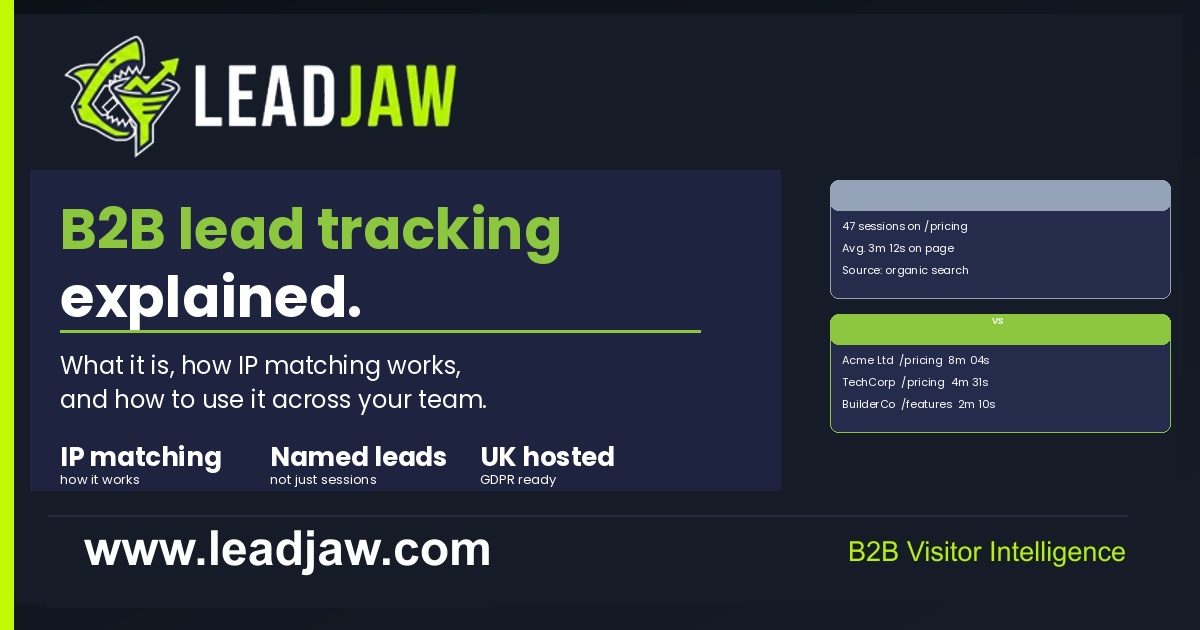 B2B website lead tracking is the practice of identifying which companies are visiting your website and recording the details of those visits: which pages they viewed, how they found you, how long they spent on the site and whether they submitted any forms.
It is different from general web analytics in one important respect: identification. Standard analytics tools record visits as anonymous sessions. B2B lead tracking tools resolve those sessions to a named company, using IP-to-company matching to work out which organisation the visitor belongs to.
The result is a list of named companies with visit data attached, rather than a count of anonymous sessions. That list is directly useful to a sales team. A salesperson can look at it each morning and see which companies were on the site the previous day, which pages they looked at and where they came from. That is a very different kind of intelligence from a bounce rate and a session duration.
How IP-to-company matching works
Every device that connects to the internet does so through an IP address. For many businesses, particularly larger companies, that IP address is registered to the organisation. When a visitor from that company lands on your site, the tracking script captures their IP address and checks it against a database of registered IP ranges.
If a match is found, the tool returns the company name and any associated firmographic data: industry, employee count, headquarters location and revenue band. That data is attached to the visit record so it appears alongside the page view and session data.
Not every IP address maps to a company. Consumer broadband connections, mobile networks and some smaller businesses use IP ranges registered to their internet service provider rather than to themselves. Those visits are captured but cannot be resolved to a named company. They appear as unidentified traffic.
The matching process happens server-side and does not involve placing cookies or processing personal data at the point of identification. The tool identifies the company, not the individual. That distinction matters for data protection compliance, which is covered later in this article.
What data B2B lead tracking produces
A good B2B lead tracking tool records the following for each identified visit.
Company data
Company name, industry, employee count, revenue band and headquarters location. This comes from the IP match combined with enrichment data from a firmographic database.
Visit data
Pages viewed and in what order, time spent on the site, time spent on individual pages, and the total number of sessions from that company over time.
Traffic source
How the visitor arrived: organic search, paid ad, direct, referral or social. A tool that records first-touch source shows the original channel that brought the company, not just the last click before the visit.
Form fill data
If the visitor submits a form during their session, the form data is captured and attributed to the same company record. This links the anonymous visit history to a named contact once one is available.
Return visit recognition
When the same company visits again, the tool recognises them via a first-party cookie and adds the new session to their existing record. This builds a picture of engagement over time rather than treating each visit as independent.
What B2B lead tracking cannot do
It is worth being clear about the limits, since vendors in this space sometimes overstate what is possible.
It cannot identify individuals without a form fill
IP-to-company matching returns a company name. It does not tell you which person at that company was browsing. The individual remains anonymous until they submit a form or otherwise identify themselves. Anyone who claims to surface named contacts from anonymous traffic without a form fill is either using a separate data source such as a browser fingerprinting network or overstating their capability.
It cannot identify all traffic
Identification rates vary depending on the mix of traffic a site receives. B2B-heavy audiences with corporate IP ranges tend to see higher identification rates. Sites with a lot of consumer, mobile or SMB traffic will see a higher proportion of unidentified sessions. A realistic identification rate for a typical B2B site is somewhere between 20 and 40 percent of sessions.
It is not a replacement for a CRM
Lead tracking produces visit intelligence. It does not manage deals, track pipeline stages or store contact history in the way a CRM does. The two tools are complementary: the tracking data feeds into the CRM to enrich account records and trigger activity, but they serve different functions.
How B2B lead tracking fits into a sales and marketing workflow
The data is only useful if the right people see it and act on it. Here is how it typically maps across a team.
Marketing teams
Use visit data to measure which channels and campaigns are driving named company traffic, not just clicks and sessions. If a paid search campaign is bringing identifiable B2B companies to a product page, that is a stronger signal of ROI than a cost-per-click figure. First-touch attribution shows which content and channels are starting the buying journey, which informs budget allocation decisions.
Sales teams
Use the daily visitor list to identify warm inbound companies that have not yet made contact. A company on your pricing page is a better cold outreach target than a name bought from a list. Sales alerts, routed to Slack or email, mean reps do not have to log in to the tool to get the signal: it arrives where they already work.
Founders and small teams
For businesses without a dedicated sales function, lead tracking acts as an early warning system. A founder who sees a named company on their pricing page can reach out the same day via LinkedIn, before the window closes. That kind of responsiveness is much harder to achieve without the data.
Combined workflow
The most effective setup connects lead tracking to the CRM so that identified companies are automatically created or updated as accounts. Visit activity is logged against the account record, and high-intent visits trigger tasks or alerts for the relevant rep. LeadJaw's HubSpot integration handles that automatically on the Pro plan.
B2B lead tracking and GDPR
This is the question most buyers ask first, and it is worth answering directly.
IP-to-company matching identifies the organisation, not the individual. Under UK GDPR and the EU GDPR, personal data is data that relates to an identified or identifiable natural person. A company name and firmographic data do not meet that definition on their own. The identification step does not require cookie consent because no personal data is being processed at that point.
The position changes if personal data is collected later, for example through a form fill. Standard data protection rules apply to that data in the normal way.
LeadJaw is UK-hosted. All data is processed and stored within the UK, which means it falls under the UK GDPR framework rather than requiring separate adequacy decisions for EU data transfers. For UK and EU buyers, that is a meaningful practical advantage over tools hosted in the US.
If you have specific compliance questions about your use case, your data protection officer or legal team is the right person to consult. This article covers the general position for standard B2B lead tracking use.

Perry Jones writes about B2B sales, marketing technology and revenue operations. He has spent over a decade working with sales teams across SaaS, professional services and managed IT, helping them build repeatable pipeline from inbound and outbound channels.