The alerts that tell you who is on your site right now
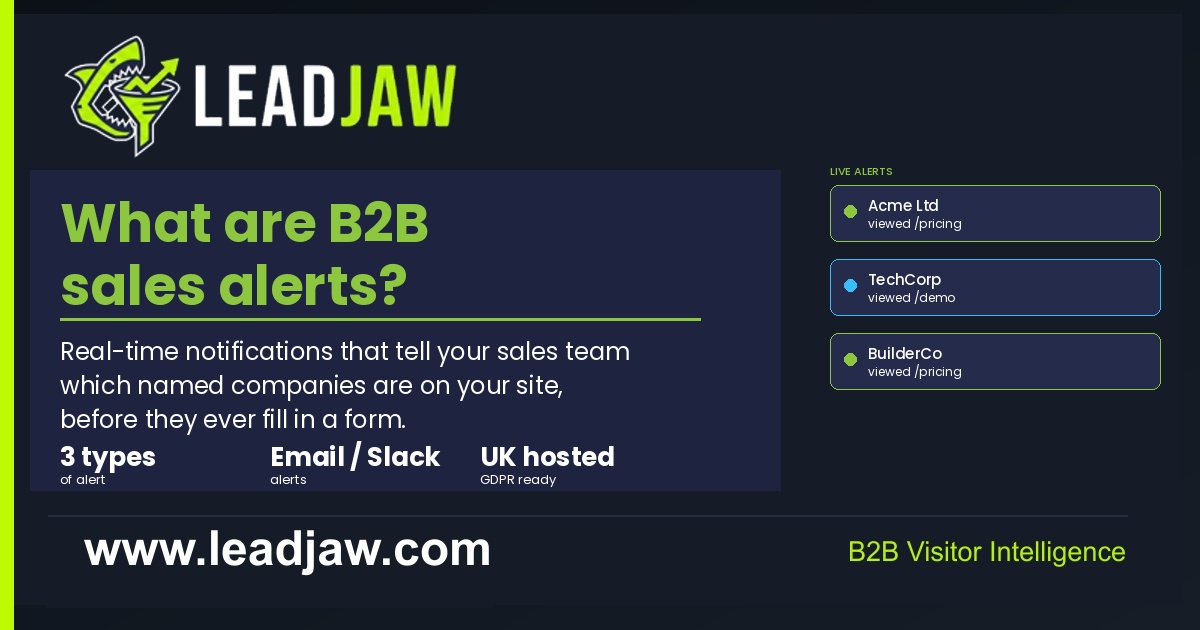 Most B2B companies know which pages get the most traffic. Far fewer know which companies are actually visiting those pages. B2B sales alerts close that gap. They notify your sales team the moment a named company lands on your site, before that company fills in a form or sends an email.
This article explains what B2B sales alerts are, the different types available, what a useful alert should tell you, and how to act on them.
What is a B2B sales alert?
A B2B sales alert is a notification triggered when a named company or known contact takes a specific action on your website. The alert is sent to a sales rep, a Slack channel or a CRM in real time, so the team can act while the visit is still fresh.
The key distinction from standard website analytics is identification. Google Analytics tells you how many visitors came to a page. A B2B sales alert tells you that Acme Ltd visited your pricing page at 2:14pm, arrived via Google, and spent four minutes reading it. That is actionable. A page view count is not.
Sales alerts work because most B2B buyers research vendors long before making contact. Studies consistently show that the majority of the buying journey happens before a form is filled in. Alerts let sales teams reach warm prospects who have shown intent but have not yet raised their hand.
The three types of B2B sales alert
Not all alerts carry the same weight. It helps to think of them in three tiers.
Page visit alerts
Triggered when any identified company visits your site. These give you broad coverage of inbound interest. Useful for spotting companies that are researching your category but have not yet shown strong buying intent. Best routed to a general Slack channel rather than directly to a rep, to avoid alert fatigue.
High-intent page alerts
Triggered when a company visits a specific page that signals buying intent: your pricing page, a demo page, a comparison page or a case study. These carry far more weight than general visit alerts. A company reading your pricing page has already cleared the awareness stage. These alerts should go directly to the rep who owns that account or territory.
Form fill alerts
Triggered when a known contact submits a form on your site. This is the most explicit buying signal available. The alert should include the form type, the contact details submitted and the pages the visitor viewed before and after the form. These should fire immediately to the relevant rep and be logged to the CRM automatically.
What a good alert should contain
An alert that just says "a company visited your site" is close to useless. The rep has no context and no clear next step. A well-structured alert gives the rep everything they need to act in under 30 seconds.
| Field | Why it matters |
|---|---|
| Company name | Who visited |
| Pages viewed | What they looked at and in what order |
| Time on site | How engaged they were |
| Traffic source | How they found you (organic search, paid ad, direct) |
| First-touch source | The original channel that brought them, not just the last click |
| Visit time | When it happened, so the rep can judge urgency |
| Session count | Whether this is a first visit or a return |
| Form fill status | Whether they submitted anything during the visit |
The alert format matters too. A Slack message that links directly to the visitor profile in your tracking tool saves the rep from having to log in and search. Every extra step between the alert and the action reduces the chance the rep follows up.
How sales teams act on B2B sales alerts
Receiving an alert is the easy part. What the rep does next determines whether the signal converts into a conversation.
For page visit alerts (general)
Check whether the company is already in the CRM. If it is, note the visit against the account and let the account owner decide whether to act. If it is a new name, add it as a prospect and assign it to the right rep based on territory or ICP fit. No immediate outreach needed at this stage.
For high-intent page alerts
Act within the same business day. The company has shown clear buying intent. If there is an existing contact at the company, a short personalised email or LinkedIn message referencing the product area they looked at is appropriate. Keep it light. Something like: we work with teams in your sector on [problem], happy to show you how it works if useful. Avoid anything that implies you know they visited your site specifically.
For form fill alerts
Act within the hour where possible. The contact has identified themselves and made the first move. The rep should review the pages the visitor viewed before submitting the form, since that context shapes how to open the conversation. A demo request from someone who spent ten minutes on the pricing page is a very different conversation from one who came directly to the contact form.
The follow-up rule
Speed matters, but relevance matters more. A generic follow-up sent immediately is less effective than a personalised one sent an hour later. Use the page data in the alert to make the outreach specific.
Setting up B2B sales alerts with LeadJaw
LeadJaw identifies companies visiting your site by matching visitor IP addresses to company records, then fires Slack alerts based on rules you configure. Each rule can be scoped to a specific page, a traffic source, a company size or any combination of those filters.
Setup takes around ten minutes:
- Install the LeadJaw tracking script on your site (WordPress plugin, Webflow OAuth or manual script tag)
- Connect your Slack workspace via OAuth in the LeadJaw dashboard
- Create an alert rule: choose which pages trigger it, which Slack channel receives it, and whether it fires on every visit or only for identified companies
- Test by visiting the trigger page yourself and confirming the alert fires correctly
LeadJaw supports per-rule channel routing, so pricing page alerts can go to a #hot-leads channel while general visit alerts go to a broader #website-visitors channel. This keeps high-intent signals from being buried in lower-priority notifications.
All data is processed and stored in the UK. LeadJaw uses IP-to-company matching only and does not process personal data at the point of identification, which keeps the setup on the right side of UK GDPR without requiring a cookie banner for the tracking itself.
Start a free 10-day trial to set up your first alert rule. No credit card required.

Perry Jones writes about B2B sales, marketing technology and revenue operations. He has spent over a decade working with sales teams across SaaS, professional services and managed IT, helping them build repeatable pipeline from inbound and outbound channels.