The problem with waiting for a form fill
Most B2B sales teams only find out a prospect visited their website when that prospect fills in a contact form. That sounds reasonable until you consider that the vast majority of B2B website visitors never fill in anything.
They browse your pricing page. They read a couple of case studies. They spend four minutes on your product overview. Then they leave. Your CRM records nothing. Your sales team hears nothing. The moment passes.
For target accounts, the ones you have already identified as ideal customers and may already be running campaigns towards, this is a significant missed opportunity. A visit from a named company you are actively pursuing is not just interesting data. It is a signal. And signals have a short shelf life.
The question is not whether you should alert your sales team when this happens. The question is how to do it in a way that is fast, specific and actually useful to the person receiving the alert.
Why speed matters more than most teams realise
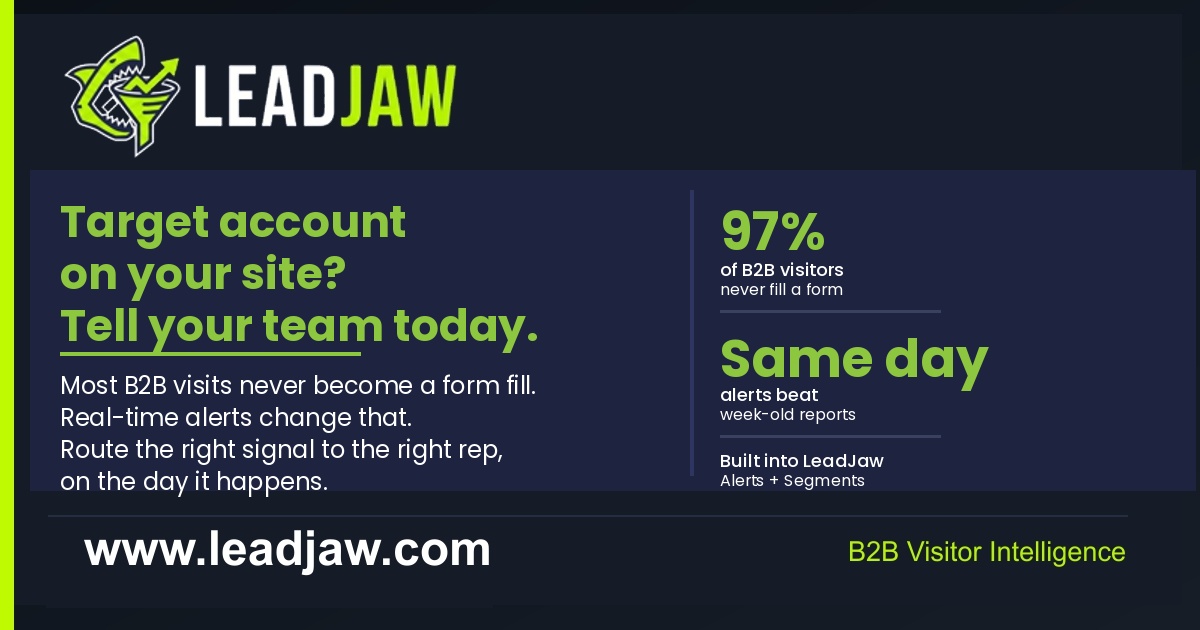 The value of a website visit alert decays quickly. A salesperson who knows that a target account visited your site this morning is in a much stronger position than one who finds out three days later in a weekly report.
That early awareness gives them a reason to reach out that feels natural rather than cold. They are not guessing that the company might have an interest. They have evidence. The company was on the website, looking at specific pages, at a specific time. That context changes the conversation.
Timing also matters because intent is not static. A company visiting your website today may be comparing options, reviewing budgets or actively building a shortlist. By next week, that window might have closed. They may have made a decision, moved on or simply gone cold again.
Sales teams that act on same-day signals consistently report better engagement rates than those working from week-old reports. The signal is the same. The timing is everything.
What a useful alert actually looks like
Not all alerts are created equal. A notification that tells your sales team only that "a company visited your website" is not particularly actionable. The best alerts include enough context for the salesperson to make a judgement and act immediately.
Useful alert content typically includes:
- Company name - the named business, not an IP address
- Pages viewed - which specific pages they visited and in what order
- Time on site - a rough indicator of engagement depth
- Traffic source - how they arrived, whether from a paid campaign, organic search, a specific referral or direct
- Number of visits - whether this is a first visit or a returning company
- Date and time - when the session happened
With this information, a salesperson can quickly assess whether the visit is worth acting on and, if so, what angle to take. A company that landed on your site from a LinkedIn campaign, read your pricing page twice and then checked your case studies is telling a very different story from one that bounced off the homepage in under thirty seconds.
The format of the alert matters too. A long email digest that arrives every Monday morning is useful for review but not for action. Real-time alerts sent to a tool your sales team already uses, like Slack, are far more likely to prompt an immediate response.
How to route alerts to the right person
One of the most common failures in alert systems is sending everything to everyone. When every visit triggers a notification to the whole sales team, two things happen. People start ignoring them. And nobody takes ownership.
A smarter approach is to route alerts based on rules that match how your sales team is actually structured. Some options worth considering:
- By company size - enterprise visits go to one team, SMB visits to another
- By geography - UK accounts to one rep, US accounts to another
- By named account list - visits from your top 50 target accounts trigger a specific alert
- By page visited - pricing page visits are higher intent than a blog post and might warrant a more senior notification
- By channel - visits from a specific campaign get routed to the team running that campaign
The goal is to make each alert feel relevant to the person receiving it. A BDM who covers mid-market accounts in the UK does not need to know that an enterprise company in the US visited the homepage. That noise erodes trust in the system.
Purpose-built visitor identification tools allow you to set these routing rules so the right alert goes to the right person or Slack channel automatically, without manual sorting.
Building the alert workflow your team will actually use
The best alert system in the world fails if your sales team does not trust it or act on it. Getting adoption requires a few things to be true from the start.
First, the tool generating the alerts needs to identify companies reliably. If reps receive alerts for companies that turn out to be ISPs, universities or irrelevant organisations, they will stop paying attention. Filtering matters.
Second, the alert needs to land somewhere the sales team already operates. Introducing a new tool for alerts, on top of the CRM, the email inbox and the existing communication stack, is a recipe for low adoption. If your team lives in Slack, the alert should arrive in Slack. If they work primarily from their CRM, the best outcome is a record being updated there automatically.
Third, the alert should make it easy to act. That might mean including a link to the company's LinkedIn page, the relevant CRM record, or a suggested next step. The less friction between receiving the alert and doing something about it, the better.
Tools in this space vary considerably in how well they support this kind of workflow. Some offer a daily email digest. Others support real-time routing to named Slack channels with company-level detail. You can read more about the integration options available for connecting visitor identification data into your existing stack on the LeadJaw integrations page.
What to do once the alert lands
Receiving an alert is only the beginning. The follow-up approach makes the difference between a warm signal and a converted opportunity.
A few principles worth building into your process:
Do not mention the visit directly. Telling a prospect you saw them on your website can feel intrusive and tends to put people on the defensive. Instead, use the visit as context for your outreach. If they looked at your integration with HubSpot, lead with that angle. If they visited your pricing page, acknowledge that they might be evaluating options.
Act on the same day where possible. The visit signals that the topic is live for them right now. A same-day connection attempt, whether via email, LinkedIn or phone, catches them while the interest is fresh.
Check whether the account is already in your CRM. If it is, the visit might be a reason to re-engage a stalled deal or to prompt a follow-up call that had been on the back burner. If it is not, it may be worth doing some quick research before reaching out cold.
Use the traffic source data. Knowing that a company arrived from a specific piece of content or a paid campaign tells you something about what triggered their interest. That is useful context for the first line of your email.
The sales teams that get the most value from target account alerts are the ones that treat them as a starting point for a thoughtful conversation, not a trigger for a generic pitch.
Setting up your first target account alert
If you do not currently have any system for alerting your sales team to target account visits, the starting point is simpler than it might seem.
You need three things: a way to identify which companies are visiting your site, a set of rules to determine which visits matter, and a delivery mechanism that puts the alert where your team will see it in time to act.
Visitor identification tools handle the first part by matching IP addresses to company data and enriching that with firmographic detail. The rule-setting is typically done inside the platform, where you can filter by company size, geography, industry or named accounts. The delivery is usually configurable to email, Slack or CRM record creation.
Starting with a simple rule, such as "alert me whenever any company from my target account list visits the site", is a reasonable way to test the workflow without over-engineering it. Once the alerts are flowing and your team is acting on them, you can refine the rules to add more specificity.
The most important step is the first one: putting a system in place so that when a target account lands on your website, someone on your team finds out about it today rather than never.
All very possible, thanks to the segments and alerts features built into LeadJaw. Start your free 10 day trial today.

Perry Jones writes about B2B sales, marketing technology and revenue operations. He has spent over a decade working with sales teams across SaaS, professional services and managed IT, helping them build repeatable pipeline from inbound and outbound channels.